
How to set up a new user (Warehouse)
0.6 min read
|Fulfillment Center Account
Creating a new administrator user
Administrator users have access to all merchants within the fulfillment center.
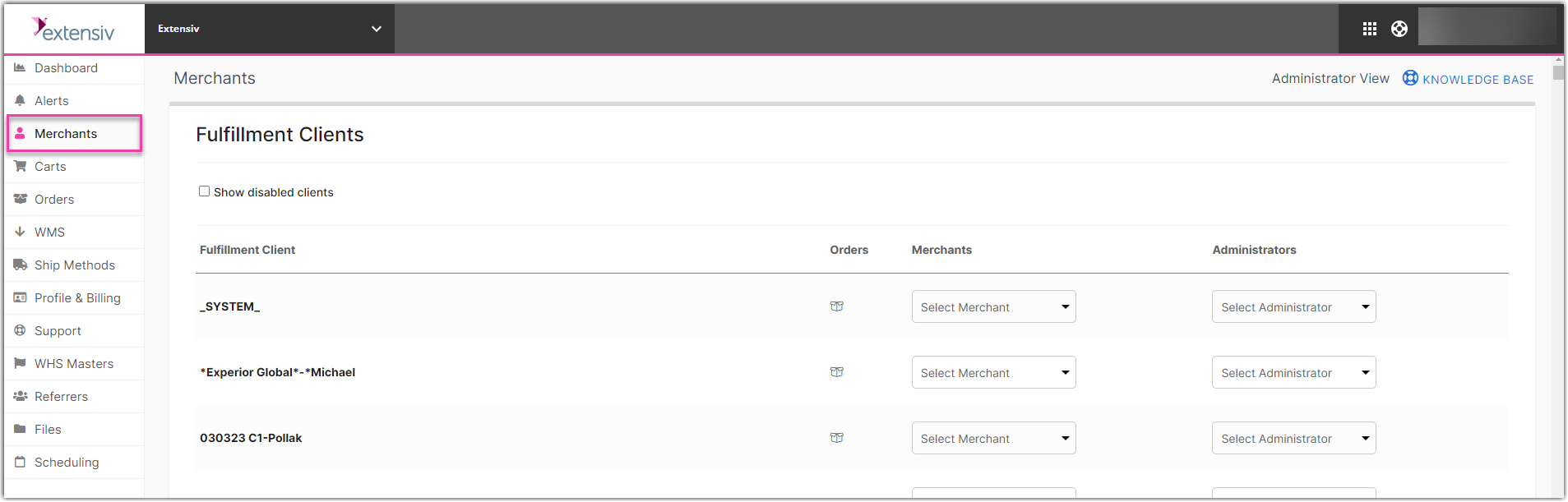
- Go to the Merchants tab and at the bottom of the screen, click New Admin User.
- Fill out the name and email of the user. You can set a password for the user, or uncheck the box to have an email sent to the user to set up their own password.
Creating a new merchant user
Typically for a fulfillment center account, merchant users will not be added as the fulfillment center handles all activity in Integration Manager. If a fulfillment center would like to give access to a merchant within their warehouse, they can:
Go to the Merchants tab → Select the Merchant → Click New User → repeat step 2 above
The Merchant user will only have access to their own merchant and will not have access to the Profile & Billing section. They will also have Read-Only access to the WMS Setup page.
Billing Permissions
Click on the Profile & Billing tab and then click Edit Billing Access to limit other users access to billing information and settings.